Free UPI payment QR code generator
Create a payment code for your shop, event or invoice. Add an amount, or leave it open for the payer to enter.
Templates
Pick a starting style, then fine-tune it below.Customize
Brand logo & auto theme
Frame & call to action
Brand kit
Print size check
Recent codes
A UPI QR code lets customers pay you from any UPI app (Google Pay, PhonePe, Paytm, BHIM and bank apps) by scanning once, with no typing of your ID. This free generator creates the code in your browser, with no sign-up and no watermark.
How to create it
- Enter your UPI ID, for example yourname@bank, and the name shown to the payer.
- Optionally add a fixed amount and a note such as an invoice number. Leave the amount empty for a counter code.
- Add your logo or brand colours, then download as PNG, or SVG/PDF for print.
- Scan it with at least two UPI apps and make a small test payment before you print.
Fixed amount or open amount?
Add an amount when the price is known, such as an invoice, a class fee or a booking. Leave it blank for a shop counter, where each customer types what they owe. Some apps let the payer edit a fixed amount, so always check the amount you receive.
Where to put your payment QR
Shop counters, tables, delivery bags, invoices, WhatsApp catalogues and social media posts. Print at least 3 cm wide on a flat, matte surface, because glare makes scanning slow.
Is this safe?
The code only contains the payment link, and QRForge never processes or sees any payment. Money moves directly through UPI. Double-check your UPI ID, and watch for stickers placed over yours, because scammers swap payment codes.
How to create a QR code.

1. Generate.
Pick a type, enter your details, and your QR code appears instantly.

2. Personalize.
Add your brand logo and let colors and shapes match it automatically.

3. Download.
Save as PNG, JPG, WebP, SVG or print-ready PDF, or copy it straight into your design.
Customize your QR code to match your brand.
Choose colors, switch dot and corner styles, add a frame and your logo. Every code is scan-tested in your browser before you download it.
Create QR code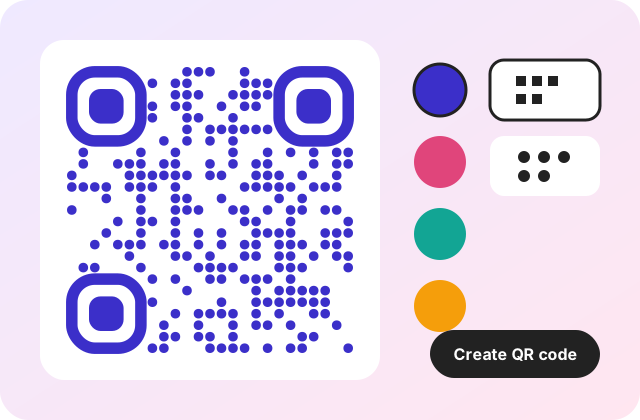
Make a QR code that stands out.
Use it on flyers, menus, business cards and posters. Preview your code on real-world mockups before you print.
Generate QR code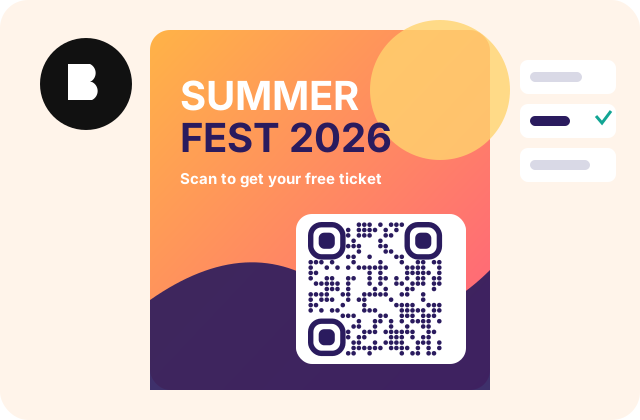
Why QRForge
Private by design
Static codes are generated in your browser. What you type is never sent to our servers.
Static codes never expire
A static code stores your data directly, so it keeps working as long as the content does.
Scan-tested every time
We decode your finished code and automatically simplify the design if it would not scan.
Dynamic codes & analytics
Edit where a printed code points, set expiry or a password, and see scans by day, device and country.
Bulk generation
Generate hundreds of codes at once from a list or CSV file and download them as a ZIP.
Print-ready
Vector SVG and sized PDF exports, plus a print check for dot size and scanning distance.
QR codes for every need
Frequently asked questions
Does it work with all UPI apps?
The code uses the standard UPI payment link format, which common UPI apps understand. Test it with the apps your customers use before printing.
Does QRForge process the payment?
No. The code only tells the payer's app who to pay. Payments go directly through UPI and QRForge never sees them.
Should I add an amount?
Add an amount for a fixed price, such as an invoice. Leave it blank for a counter code where the customer types the amount. Always double check your UPI ID before printing.
Ready to create your QR code?
It takes less than a minute.
Start now