Free Google review QR code generator
Paste your Google review link, add your logo, and print a code for your counter, bills and packaging.
Templates
Pick a starting style, then fine-tune it below.Customize
Brand logo & auto theme
Frame & call to action
Brand kit
Print size check
Recent codes
A Google review QR code opens your business review form in one scan. Put it on bills, counters and packaging so happy customers can leave a review in seconds. More reviews help local customers find you.
How to create it
- In your Google Business Profile, choose "Ask for reviews" and copy your review link.
- Paste the link in the URL field above.
- Add your logo, then download PNG or print-ready PDF.
- Place it at the point of sale, with a short line such as "Enjoyed your visit? Scan to review".
Track which spot works best
Make a separate dynamic code for each counter, table or branch. The dashboard shows scans per code, so you can see where reviews come from.
How to create a QR code.

1. Generate.
Pick a type, enter your details, and your QR code appears instantly.

2. Personalize.
Add your brand logo and let colors and shapes match it automatically.

3. Download.
Save as PNG, JPG, WebP, SVG or print-ready PDF, or copy it straight into your design.
Customize your QR code to match your brand.
Choose colors, switch dot and corner styles, add a frame and your logo. Every code is scan-tested in your browser before you download it.
Create QR code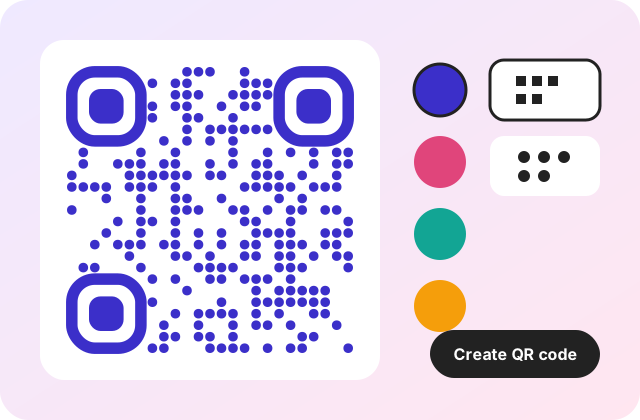
Make a QR code that stands out.
Use it on flyers, menus, business cards and posters. Preview your code on real-world mockups before you print.
Generate QR code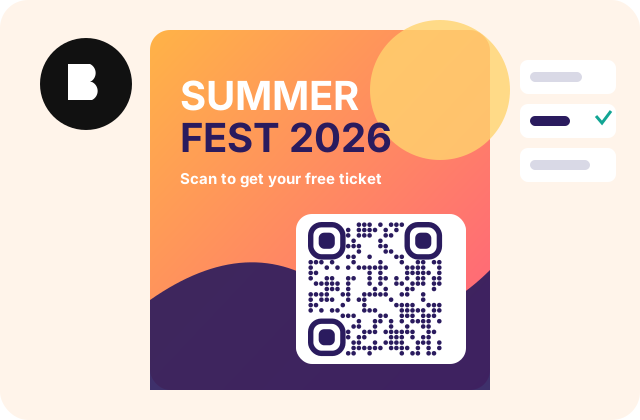
Why QRForge
Private by design
Static codes are generated in your browser. What you type is never sent to our servers.
Static codes never expire
A static code stores your data directly, so it keeps working as long as the content does.
Scan-tested every time
We decode your finished code and automatically simplify the design if it would not scan.
Dynamic codes & analytics
Edit where a printed code points, set expiry or a password, and see scans by day, device and country.
Bulk generation
Generate hundreds of codes at once from a list or CSV file and download them as a ZIP.
Print-ready
Vector SVG and sized PDF exports, plus a print check for dot size and scanning distance.
QR codes for every need
Frequently asked questions
Where do I find my Google review link?
Open your Business Profile on Google, choose "Ask for reviews" and copy the link. Paste it into the URL field above.
Can I track how many people scan it?
Yes. Turn on dynamic, and the dashboard shows scans by day, device and country, so you can see which counter or table brings the most reviews.
Will the code stop working if I change my business name?
A static code keeps pointing at the old link. A dynamic code lets you repoint it later without reprinting.
Ready to create your QR code?
It takes less than a minute.
Start now